
Grow your Instagram with real likes, followers and comments
InstaUp connects you with other Instagram users through a coin exchange. Earn coins by liking and following others, then spend those coins to get engagement back on your own account.
No sign-up on this website · Direct download · Not affiliated with Instagram

Everything the app does
Six tools, one coin balance. Nothing here requires a payment to get started.
Get Followers
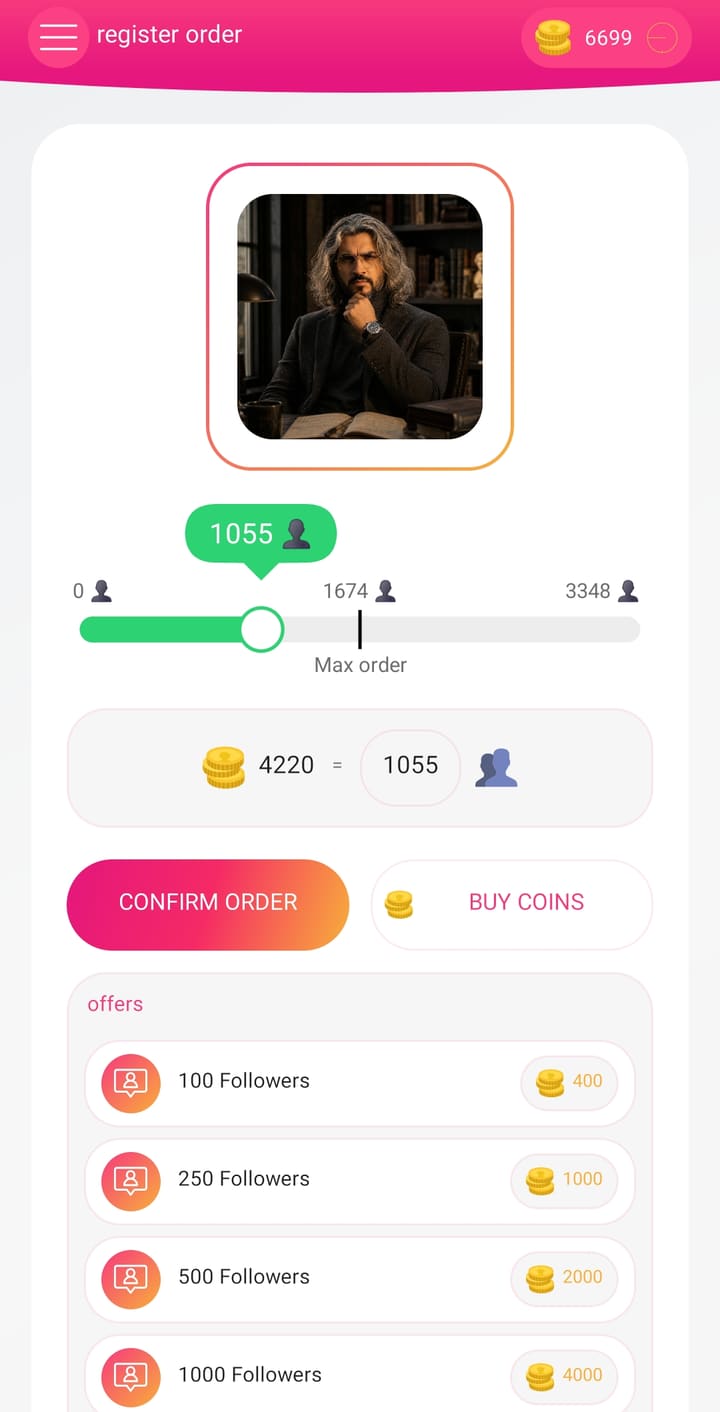
Spend coins to receive followers from other InstaUp users. Published rate: 100 followers for 400 coins, scaling to 1000 followers for 4000 coins.
Get Likes
Send coins to put your latest posts in front of other users and collect likes on the posts you choose.
Get Comments
Order comments on a specific post and pick how many you want before you confirm.
Earn Coins Free
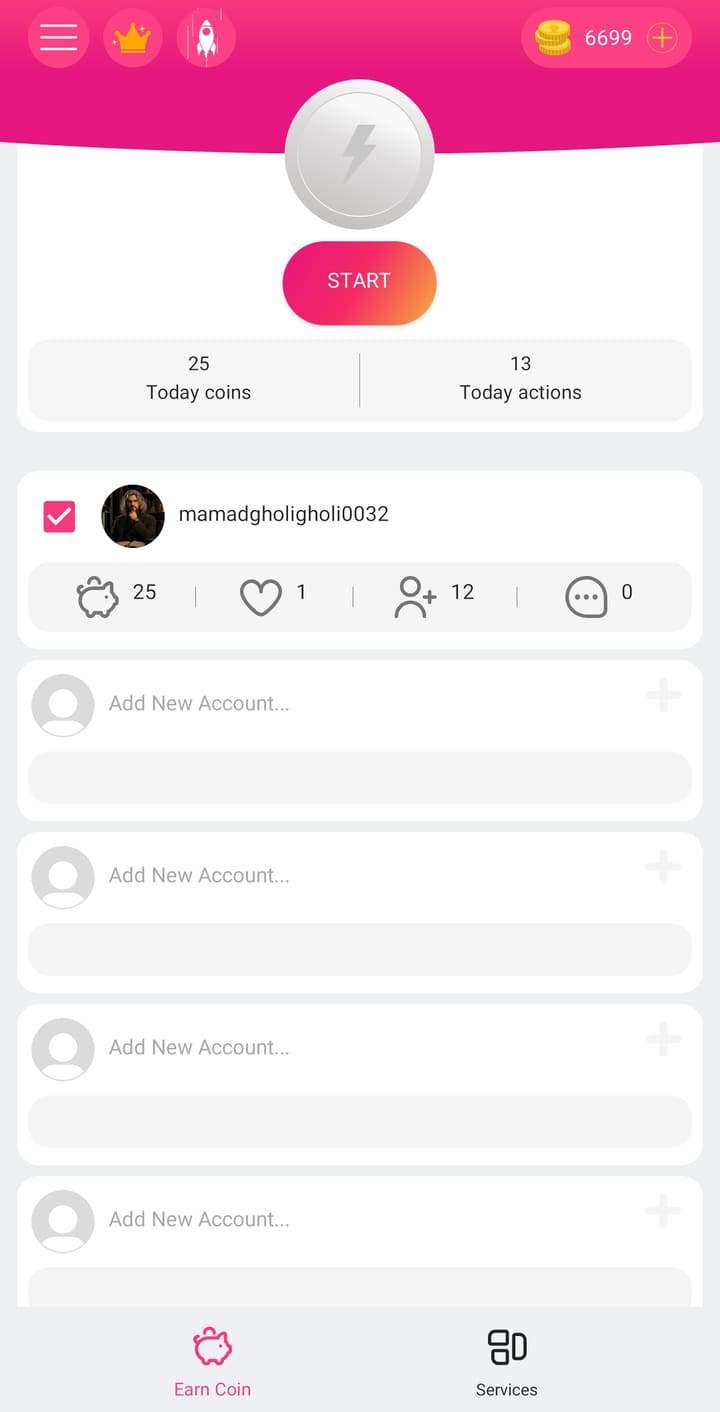
Tap Start on the Earn Coin tab and engage with other accounts. Every action adds coins to your balance, and the app shows your daily coin and action totals.
Multiple Accounts
Add several Instagram accounts to one InstaUp install and switch between them without logging out.
Live Account Stats
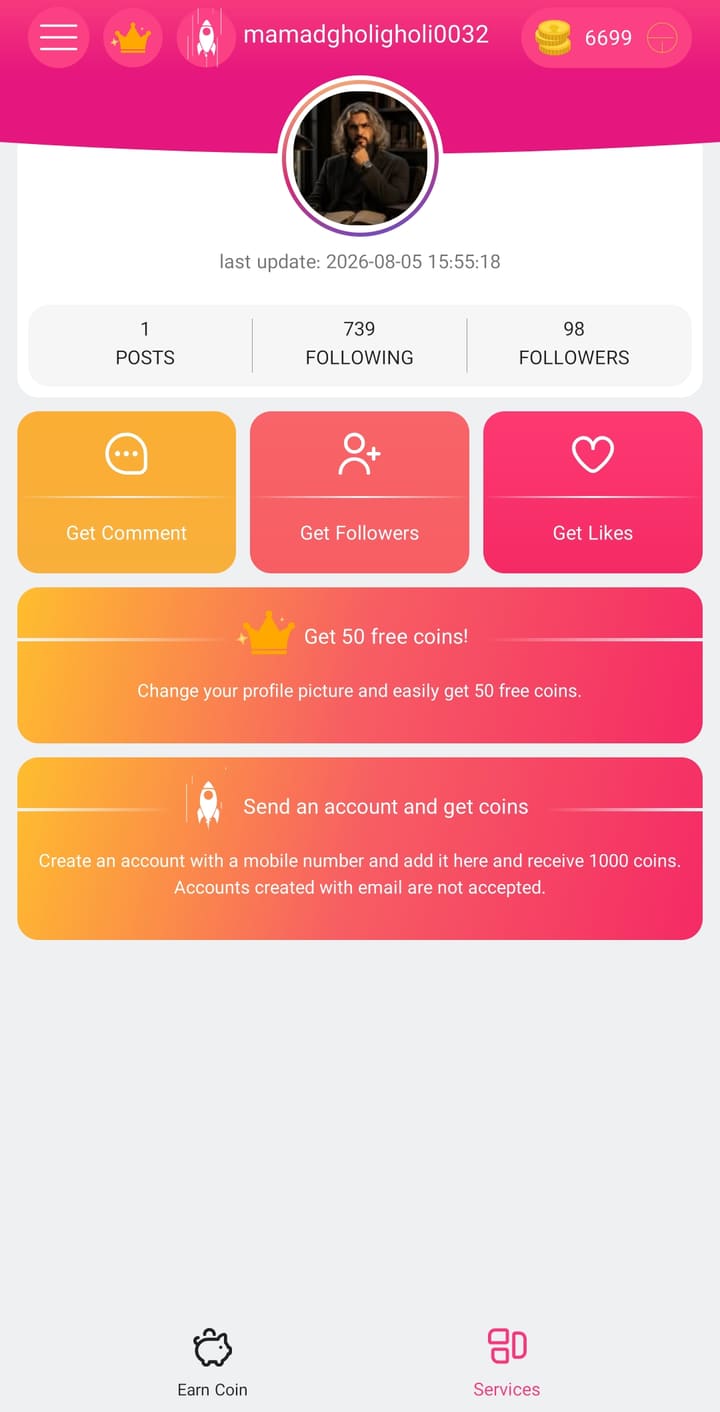
See posts, following and follower counts for each connected account, with the time of the last refresh.
A look inside the app
Screens from the current release.
How it works
Three steps from install to your first order.
- 01
Install and sign in
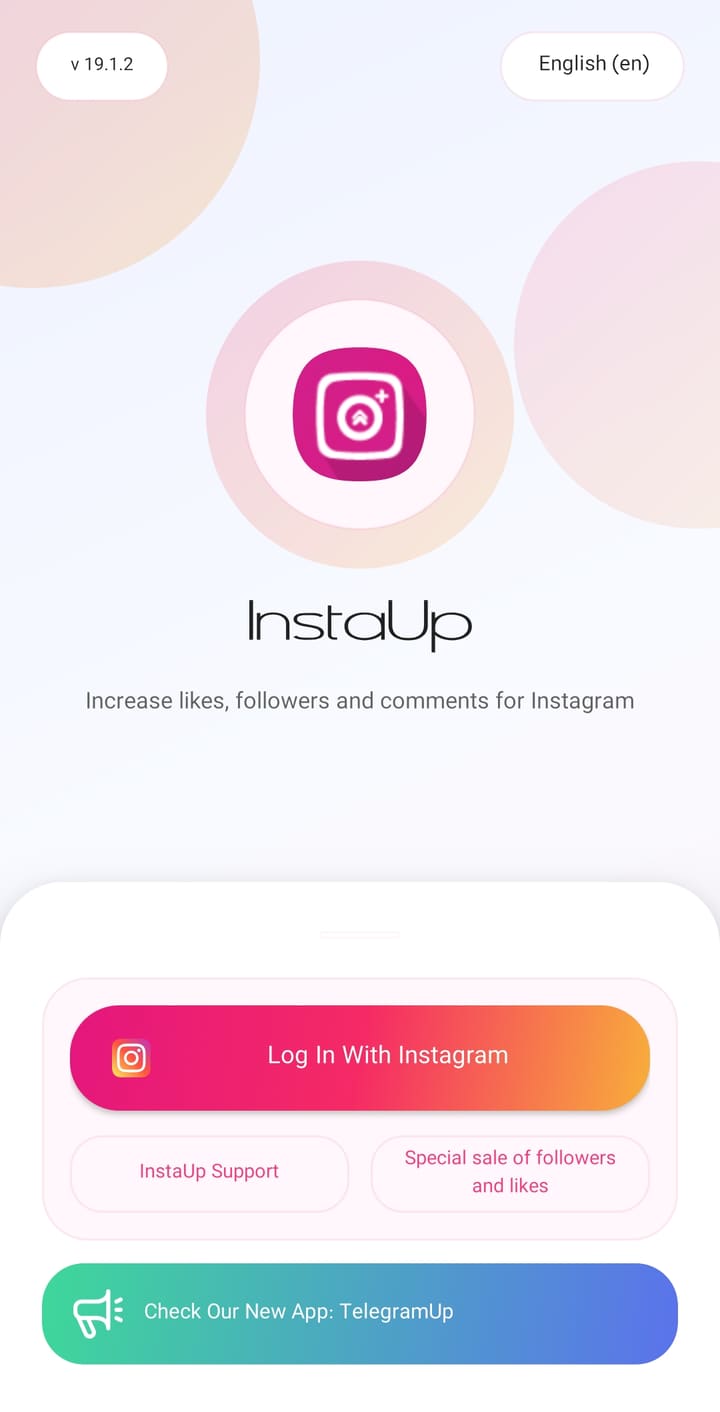
Download the APK, install it, and sign in with the Instagram account you want to grow. You can add more accounts later.
- 02
Earn coins
Open the Earn Coin tab and press Start. Each like or follow you give another user credits coins to your balance. Changing your profile picture adds 50 coins, and adding an account registered with a mobile number adds 1000.
- 03
Spend them on your account
Go to Services, choose followers, likes or comments, set the amount with the slider, and confirm. Followers cost 4 coins each.
Installing the APK safely
InstaUp is distributed outside Google Play, so Android asks for one extra permission the first time.
- 1
Download the APK using the button above. Wait until the file finishes downloading.
- 2
Open the file. Android will ask whether to allow installs from this source — this prompt appears once per app.
- 3
Choose Settings, turn on "Allow from this source", then press back. Tap Install.
- 4
Open InstaUp and sign in with Instagram to start earning coins.
Only install APK files you obtained from a source you trust, and turn the "unknown sources" permission back off once you are done. Using any third-party engagement service carries some risk to your account, so consider starting with an account you can afford to lose.
Updates and support on Telegram
New releases, download links and answers to setup questions are posted on the channel.
Open Telegram channelFAQ
Is InstaUp free?
Yes. The app is free to download and you can earn coins without paying by engaging with other users. Buying coins is optional.
Where do the followers and likes come from?
From other people using InstaUp. When you spend coins, your account is shown to other users, and they follow or like it to earn coins themselves.
How do I get free coins?
Press Start on the Earn Coin tab and interact with the accounts you are shown. The app also gives 50 coins for changing your profile picture and 1000 coins for adding an account that was registered with a mobile number. Accounts registered with an email address are not accepted for that bonus.
Can I use more than one Instagram account?
Yes. The Earn Coin tab has slots for adding additional accounts, and each one keeps its own stats.
Is it available on Google Play?
No. InstaUp is distributed as an APK file that you download and install yourself.
Is it available for iPhone?
No. The current release is Android only.
Is there any risk to my Instagram account?
Your personal information is not at risk here — InstaUp and this website never store your Instagram login details or share them with any third party. The real risk is different: Instagram's terms do not permit automated or exchange-based engagement, and accounts that use such services can be restricted by Instagram itself. Decide for yourself whether that trade-off is acceptable before you sign in.